Malwarebytes Review 2026: Best for Cleanup, Not Your Only Antivirus
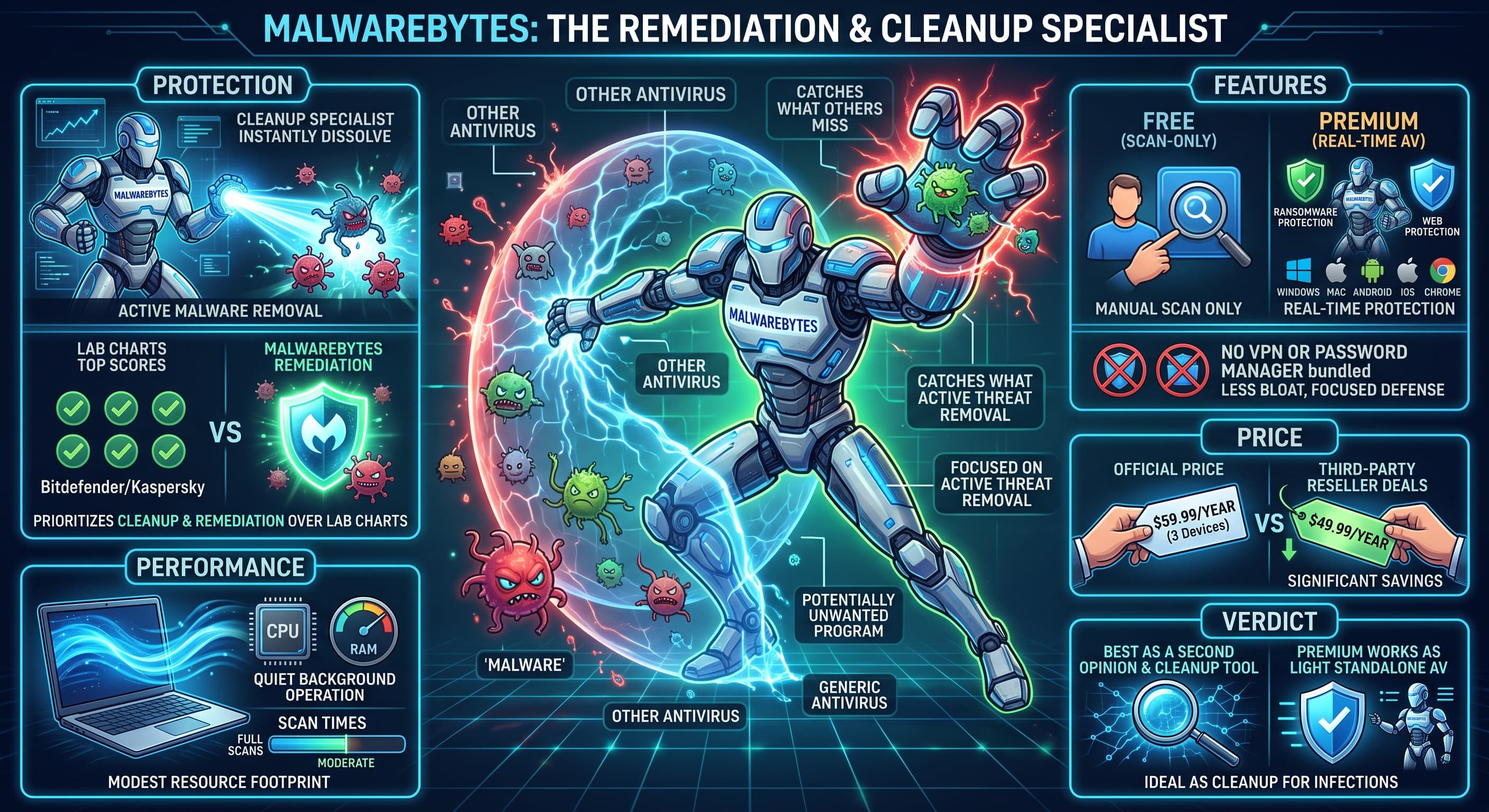
Malwarebytes built its reputation as the tool people run alongside their main antivirus to clean up what got through, and that history still shapes what it's good at. The Premium version now works as a full real-time antivirus, but its strength is still cleanup and remediation rather than topping the lab charts.
Protection
Malwarebytes doesn't chase the same lab benchmarks as Bitdefender or Kaspersky as consistently, but it's strong at catching and removing malware that's already active on a system, including stubborn adware and potentially unwanted programs other engines tend to ignore. If you've ever had a machine that "feels infected" despite another antivirus saying everything's clean, this is the kind of software that finds what the other one missed.
Performance
Real-time protection runs quietly in the background with a modest resource footprint. Full scans take a bit longer than Bitdefender's, but not enough to be annoying on a normal day.
Features
The free version is scan-only, you run it manually when you suspect a problem, it doesn't sit in the background protecting you. Premium adds real-time protection, ransomware protection and web protection across Windows, Mac, Android, iOS and Chrome. There's no VPN or password manager bundled in, so if you want an all-in-one suite, look elsewhere.
Price
Standard runs $59.99/year for 3 devices officially, though third-party resellers frequently sell keys for less. Worth comparing both before you buy, since the savings can be meaningful.
Verdict
Malwarebytes makes the most sense as a second opinion or a cleanup tool rather than your only line of defense, though Premium does work fine as a standalone antivirus if you want something lighter on features and focused on catching what slips through.