Kaspersky Review
Kaspersky has topped independent lab protection tests for years, and its 2026 results keep that streak alive. It pairs some of the highest detection rates we track with one of the lowest false-positive rates in the category, and it does it at a lower price than most of the competitors it keeps beating.
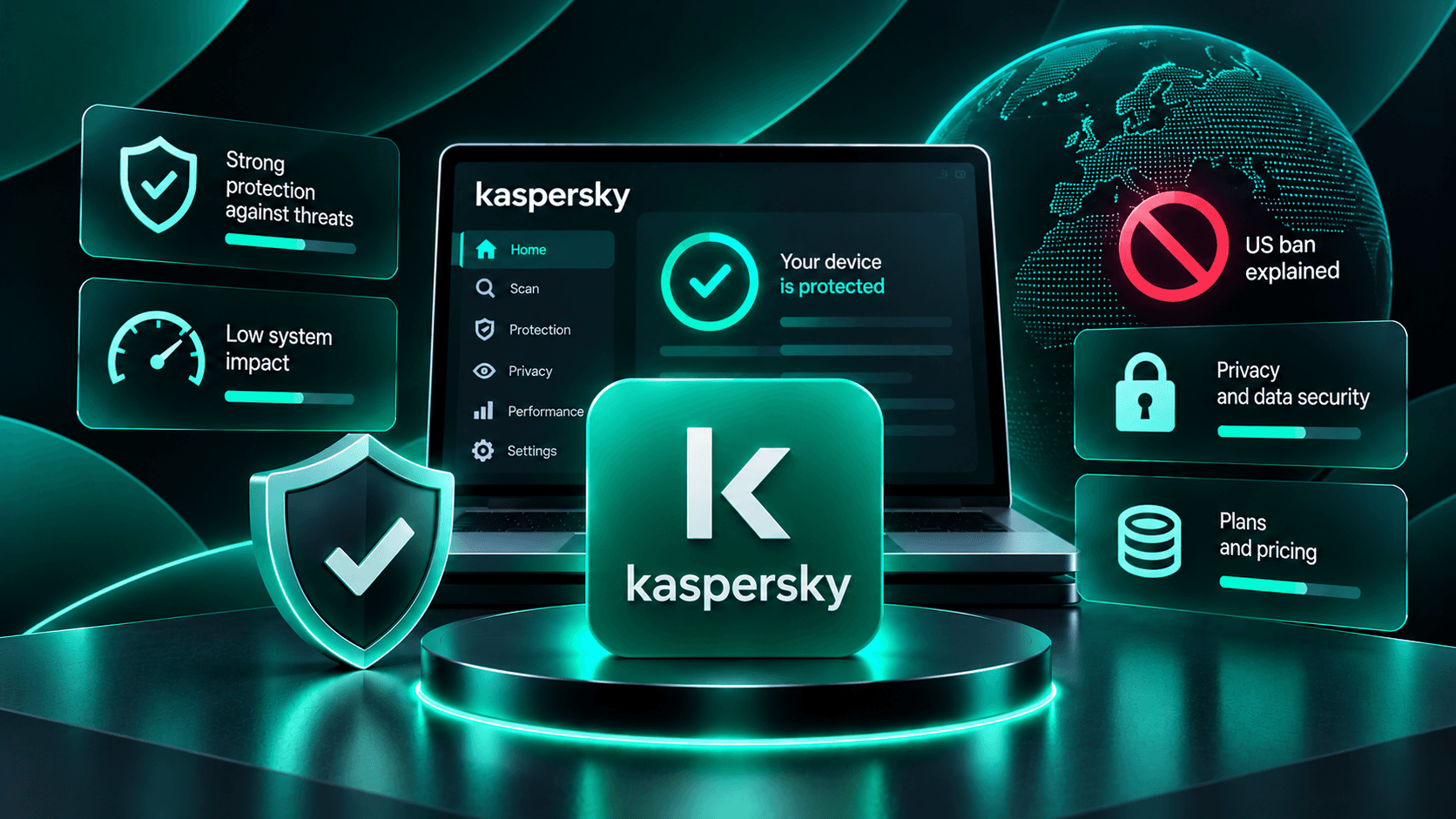
- Consistently top-tier protection scores across years of AV-TEST and AV-Comparatives testing
- Low false-positive rate, so it rarely blocks legitimate software
- Light performance impact on everyday tasks like launching apps and browsing
- Safe Money secure browser adds real protection for online banking and shopping
- Competitive entry pricing compared to other top-scoring suites
- VPN is throttled on the Standard and Plus tiers; unlimited VPN requires Premium
- Full system scans can take longer than some lighter-weight competitors
- Some advanced identity-protection features are limited to certain regions
- Renewal pricing rises well above the first-year promotional rate
Protection Rate
Kaspersky consistently delivers excellent protection against malware, ransomware, spyware, phishing, and emerging online threats. Its antivirus engine combines signature-based detection, behavioral monitoring, and cloud-assisted threat intelligence to identify suspicious activity before it compromises a device.
Independent testing organizations AV-TEST and AV-Comparatives have repeatedly recognized Kaspersky for strong malware detection and real-world protection. Its low false-positive rate is another advantage, reducing the likelihood of legitimate applications being incorrectly blocked.
Additional ransomware protection monitors suspicious file modifications, while web security tools help identify malicious websites and dangerous downloads.
Overall, Kaspersky remains a technically strong antivirus solution for users prioritizing comprehensive malware protection.
Performance Impact
Kaspersky is designed to provide continuous security without significantly affecting everyday computer performance.
Its optimized scanning engine operates quietly in the background, allowing users to browse, stream, work, and launch applications with minimal interruptions.
Independent performance evaluations have generally shown competitive results for common computing activities, including file operations and application launching.
Full system scans may temporarily increase CPU and disk usage, particularly on older computers. However, scheduled scans and configurable security settings help minimize disruptions.
For most modern Windows devices, Kaspersky offers a good balance between strong protection and system responsiveness.
Features
Kaspersky offers several security packages designed for different protection requirements.
Kaspersky Standard includes essential antivirus protection, ransomware defense, phishing protection, and security tools for everyday browsing.
Kaspersky Plus adds privacy-focused functionality, including VPN access, password management, and additional protection for online payments.
Kaspersky Premium expands the package with identity protection features and premium support services, although availability varies by country.
Additional features include:
-
Safe Money: Helps secure online banking and shopping sessions.
-
Web Protection: Blocks malicious websites and suspicious links.
-
Ransomware Protection: Detects unauthorized file encryption attempts.
-
Password Manager: Helps store and manage login credentials.
-
VPN: Encrypts internet traffic on eligible subscriptions.
The combination of antivirus and privacy tools makes Kaspersky attractive to users seeking comprehensive digital protection.
Pricing
Kaspersky uses a tiered subscription model with promotional discounts for new customers.
Kaspersky Standard has been advertised from approximately $21.99 for the first year, although actual prices depend on the region, device allowance, and available promotions.
Plus and Premium subscriptions cost more but include additional privacy and security functionality.
Renewal pricing is an important consideration because introductory discounts may expire after the initial subscription period.
Before purchasing, compare current subscription prices, renewal rates, supported devices, and included features.
Regional availability should also be checked, particularly because Kaspersky products face restrictions in the United States.
UI / UX
Kaspersky provides a modern interface designed to make everyday security management straightforward.
Its central dashboard displays protection status, antivirus scans, security recommendations, and available privacy tools.
Frequently used functions are accessible through clearly organized menus, making the software suitable for beginners.
Advanced users can customize scanning preferences, notifications, and protection settings.
Higher-tier packages introduce additional tools that may make navigation slightly more complex.
Overall, Kaspersky combines extensive security functionality with an accessible user experience.
Compare with
FAQ
Is Kaspersky a good antivirus?
Yes. Kaspersky consistently performs well in independent antivirus testing and provides strong protection against malware, ransomware, and phishing. Its low false-positive rate is another advantage.
Does Kaspersky have a free version?
Kaspersky has offered free antivirus protection in selected regions. However, availability varies by country, and advanced security features require paid subscriptions.
Does Kaspersky include a VPN?
Yes. Selected Kaspersky subscriptions include VPN functionality. Data limits and availability depend on the subscription and region.
Is Kaspersky safe to use?
Kaspersky has strong independent malware protection results. However, regulatory restrictions and concerns about its Russian origins should be considered, particularly by users handling sensitive information.
How much does Kaspersky cost?
Kaspersky Standard promotional pricing can start around $21.99 for the first year. Plus and Premium cost more, while renewal prices may be higher.