Malwarebytes Review
Malwarebytes built its reputation as the tool other antivirus programs call in when they miss something, and that specialist history still shows in how it handles stubborn infections. Its real-time protection has closed most of the gap with the leaders, though it still comes at the highest price on this list.
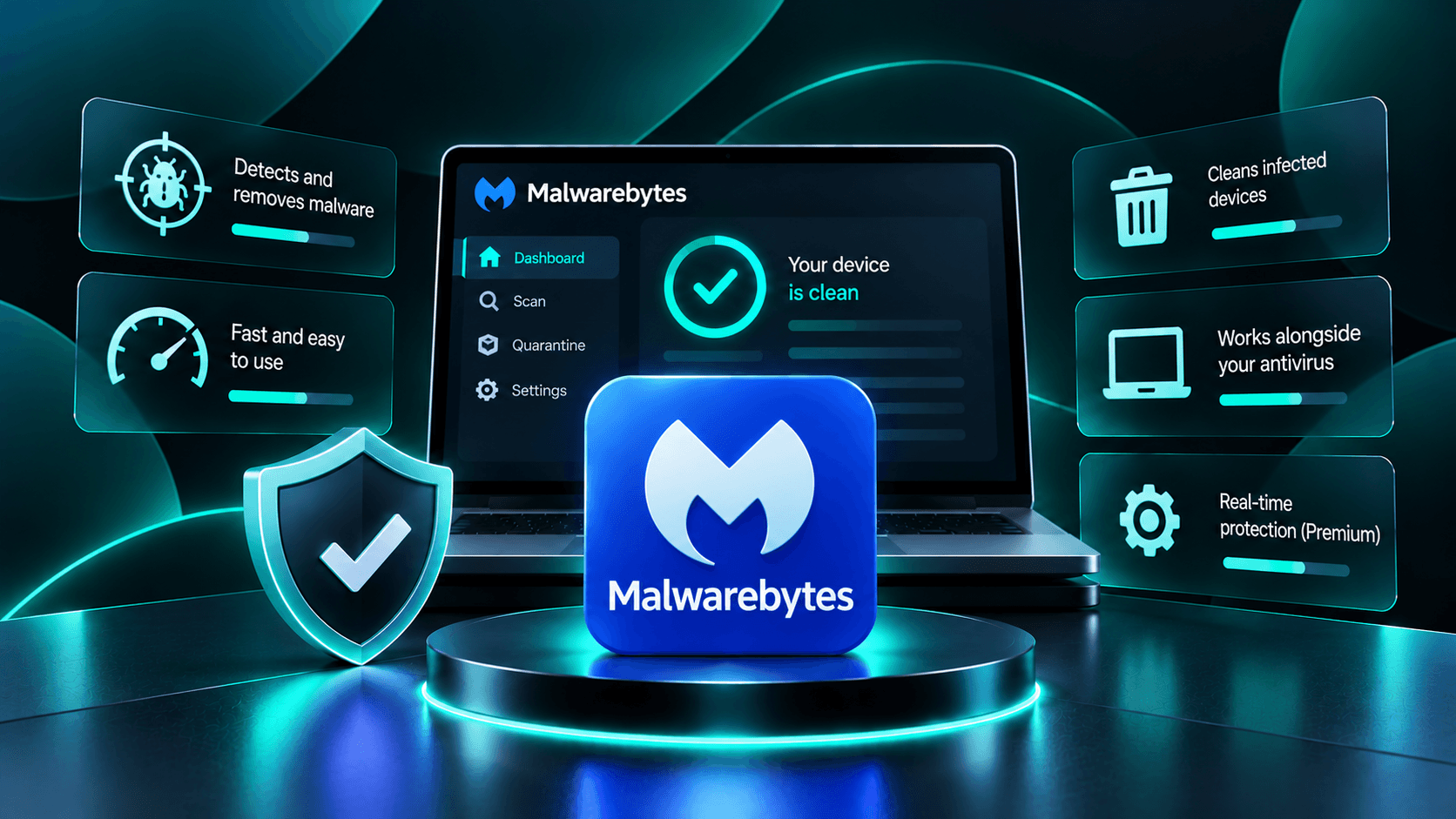
- Excellent at finding and fully removing stubborn malware, adware, and PUPs other tools miss
- Fast, lightweight scans thanks to its on-demand scanning heritage
- Simple, uncluttered interface that is easy to hand to a less technical user
- Effective ransomware and web/exploit protection on Premium
- Widely trusted as a second-opinion scanner alongside other security tools
- Highest entry price on this list despite a lower overall score than cheaper competitors
- Free tier is on-demand only, with no real-time protection at all
- No bundled VPN; Malwarebytes Privacy VPN is sold as a separate subscription
- Slightly behind Bitdefender and Kaspersky in the toughest zero-day protection tests
Protection Rate
Malwarebytes is particularly effective at detecting and removing malware, spyware, adware, and potentially unwanted programs (PUPs). Its scanning engine focuses on identifying suspicious files and eliminating threats that traditional antivirus software may overlook.
Malwarebytes Premium adds real-time protection against malware, ransomware, malicious websites, and exploit-based attacks. Behavioral detection helps identify suspicious activity before threats can compromise the system.
Independent antivirus evaluations have shown improvements in Malwarebytes' protection capabilities, although performance can vary across testing periods and threat categories.
Overall, Malwarebytes provides dependable security, particularly when malware removal is a priority.
Performance Impact
Malwarebytes is designed to deliver efficient scanning without placing excessive demands on system resources.
Its lightweight scanning engine can identify suspicious files quickly, making it useful for routine security checks and malware removal.
Background protection in paid versions generally operates without significant disruption to browsing, office work, streaming, or other everyday activities.
Full system scans may temporarily increase CPU and disk usage, particularly on older computers or devices containing large amounts of data.
Overall, Malwarebytes offers a good balance between scanning efficiency and everyday system responsiveness.
Features
Malwarebytes focuses primarily on malware detection, removal, and essential security protection rather than offering an extensive collection of bundled utilities.
Malwarebytes Free provides on-demand scanning and malware removal. However, it does not include continuous real-time protection, making it more suitable as a supplementary security tool.
Paid Malwarebytes subscriptions introduce additional protection features:
-
Real-Time Protection: Detects and blocks active malware threats.
-
Ransomware Protection: Helps prevent unauthorized file encryption.
-
Web Protection: Blocks malicious websites and dangerous connections.
-
Exploit Protection: Defends against attacks targeting software vulnerabilities.
-
Scheduled Scanning: Automates regular security checks.
Malwarebytes also offers privacy-focused products, including VPN functionality through eligible subscriptions or bundles.
Compared with comprehensive security suites, Malwarebytes provides fewer additional features, such as parental controls and advanced identity monitoring.
Pricing
Malwarebytes offers a free malware removal tool alongside several paid security subscriptions.
Premium antivirus protection has been advertised at approximately $59.99 annually, although pricing varies depending on the region, device allowance, and available promotions.
Higher-tier packages and bundles may include additional devices or privacy features.
Before purchasing, compare introductory prices, renewal rates, supported devices, and included features to determine the best long-term value.
UI / UX
Malwarebytes provides one of the simplest interfaces among popular antivirus products.
Its main dashboard displays security status, scanning options, detection history, and available protection controls.
Users can launch malware scans quickly without navigating complicated menus or configuring advanced settings.
Although advanced users may prefer more customization options, Malwarebytes prioritizes straightforward security management.
Overall, its clean interface and uncomplicated functionality make it particularly suitable for users seeking reliable protection without unnecessary complexity.
Compare with
FAQ
Is Malwarebytes a good antivirus?
Yes. Malwarebytes provides effective malware detection and removal, particularly against adware and unwanted programs. Paid subscriptions also include real-time protection against common online threats.
Does Malwarebytes have a free version?
Yes. Malwarebytes Free provides on-demand malware scanning and removal. However, continuous real-time protection requires a paid subscription.
Is Malwarebytes worth it compared to a free antivirus?
Malwarebytes can be worthwhile for users needing specialized malware removal or additional security features. However, some free antivirus products already provide effective real-time protection.
Does Malwarebytes include a VPN?
VPN access is available through selected Malwarebytes privacy products or eligible bundles. Standard antivirus subscriptions do not necessarily include VPN functionality.
How much does Malwarebytes cost?
Malwarebytes offers a free scanner and paid antivirus subscriptions. Premium pricing can start around $59.99 annually, depending on current offers, device coverage, and subscription terms.